How to Run an On-Page SEO Audit That Actually Improves Rankings
Why an On-Page SEO Audit Matters More Than You Think
I have been working in SEO for over a decade, and I still see the same mistake: people obsess over backlinks and domain authority while ignoring the pages they already have. The truth is, no amount of off-page work can fix a page that is fundamentally broken in its structure, content, or performance. That is where an on-page seo audit becomes the most practical thing you can do for your site. It is not glamorous, but it works.
An on-page seo audit is essentially a health check for every page you want to rank. It looks at how well your content matches search intent, how clean your HTML is, and whether your technical setup is helping or hurting you. When I do this for a client site, I usually find at least three things that are costing them positions. And fixing those things often moves the needle faster than building a few links.
Start With the Basics: Title Tags and Meta Descriptions
Your title tag is still one of the strongest signals a search engine uses to understand what a page is about. But I have seen so many sites where the title tag is either missing, duplicated across multiple pages, or just badly written. A good title tag is unique, includes your target keyword near the beginning, and stays under 60 characters so it does not get cut off in search results. Tools like Ahrefs and Moz let you audit your title tags at scale, but even a manual check of your most important pages can reveal problems.
The meta description, while not a direct ranking factor, influences click-through rates. A well-written meta description that answers the user's question or includes a call to action can improve your organic traffic without any change to the page itself. I always include a meta description check in my on-page seo audit because it is a low-effort, high-impact fix. When I find pages with missing or auto-generated descriptions, I rewrite them to be specific and useful.
Heading Structure and Content Quality
Your heading structure is like a roadmap for both users and search engines. An H1 should clearly state the main topic of the page, and it should be unique across your site. Subheadings (H2, H3) break the content into logical sections and make it easier to read. I have audited sites where the H1 was the same as the title tag but wrapped in an image, or where the H2s were just generic phrases like "More Info" or "Services." That is a missed opportunity.
Content quality goes beyond headings. Search engines today are smart enough to understand whether your content actually covers the topic. That is where concepts like TF-IDF and LSI keywords come into play, though they are simpler than they sound. TF-IDF helps you see if your page uses terms that are common in top-ranking pages but missing from yours. LSI keywords are related terms that give context. For example, if you are writing about "on-page seo audit," related terms like "keyword cannibalization," "canonical tag," and "schema markup" help signal that you are covering the topic thoroughly. I use tools like SEMrush to identify these gaps, but you can also do it manually by reading the top five results for your query.
Technical Elements That Often Get Overlooked
An on-page seo audit is not complete without checking the technical foundation. I always start with the robots.txt file and sitemap.xml. A misconfigured robots.txt can block search engines from crawling your most important pages. I once worked with a site that had accidentally disallowed the entire /blog/ directory, and they had been wondering for months why their new articles were not indexed. The sitemap.xml should list all the pages you want indexed and be submitted to Google Search Console.
Next, I check for canonical tag issues. A canonical tag tells search engines which version of a page is the master copy. If you have duplicate content issues, like the same product accessible via multiple URLs, a missing or wrong canonical tag can dilute your ranking signals. I have seen ecommerce sites where every product page had a self-referencing canonical that was correct, but the filter pages (like /category/red-shoes) had no canonical at all, leading to hundreds of near-duplicate pages competing with each other.
Keyword cannibalization is another common problem. It happens when you have multiple pages targeting the same keyword. Instead of one strong page, you have several weak ones. During an on-page seo audit, I use tools like Screaming Frog to crawl the site and identify pages that share similar title tags or target the same terms. The fix is usually to consolidate the content into one page and set up 301 redirects or update the internal linking structure.
Internal Linking and User Experience
Internal linking is one of the most underrated elements of an on-page seo audit. Links between your own pages distribute authority and help search engines understand the relationship between topics. I have seen sites where the only internal links were in the navigation menu, leaving deep pages with almost no link equity. A good audit will identify orphaned pages (pages with no internal links pointing to them) and suggest where to add contextual links from related content. Keep in mind that internal linking is not just about SEO; it also helps users navigate your site and find relevant information.
User experience and Core Web Vitals are now part of the ranking equation. Google's PageSpeed Insights can tell you how your pages perform on metrics like Largest Contentful Paint and First Input Delay. I include a performance check in every on-page seo audit because a slow page will hurt your rankings regardless of how good your content is. Compressing images, enabling browser caching, and reducing server response time are common fixes. But the first step is measuring where you stand.
Schema Markup and Structured Data
Schema markup helps search engines understand the context of your content. It can also earn you rich results like star ratings, FAQ snippets, or product details in the search results. During an audit, I look for opportunities to add relevant schema types. For example, if you have a how-to article, you can use HowTo schema. If you have a local business, LocalBusiness schema. I have seen sites that added FAQ schema to their top-ranking pages and saw a noticeable increase in click-through rates because the search results became more informative. Tools like Yoast SEO (for WordPress sites) make it easy to add basic schema, but for custom implementations, you might need to test your markup with Google's Rich Results Test.
Practical Steps to Run Your Own Audit
If you want to do an on-page seo audit yourself, here is a simple workflow I recommend:
- Export a list of your top 20 to 50 pages from Google Search Console or your analytics tool.
- Check each page's title tag, meta description, and H1 for uniqueness and keyword relevance.
- Review the page's content against the top-ranking competitors. Are you covering the same topics? Are you missing any subtopics?
- Run a crawl with Screaming Frog to find technical issues like missing canonical tags, duplicate titles, or broken links.
- Test page speed with PageSpeed Insights and prioritize fixing the slowest pages.
This process usually takes a few hours for a small site, but the insights are worth it. I have seen sites improve their rankings by simply fixing duplicate title tags and adding internal links.
How RankGear Fits Into This Process
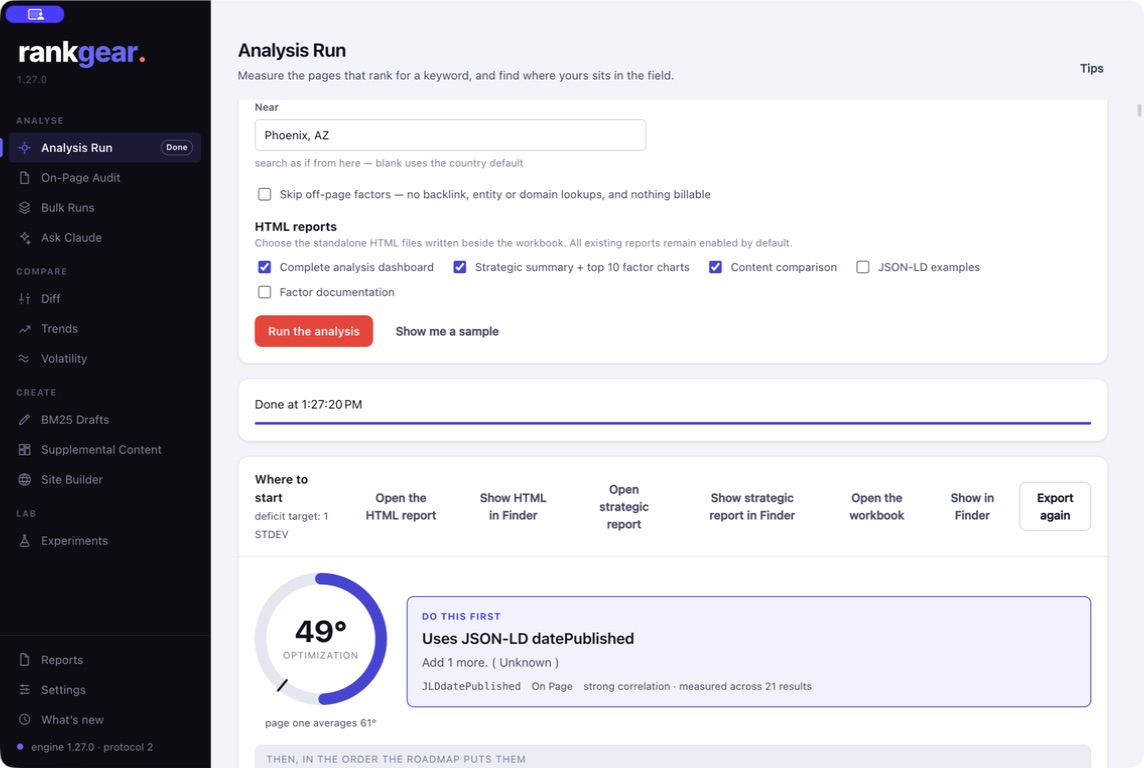
When I am doing an on-page seo audit for a client, I often use RankGear to validate my decisions. RankGear analyzes ranking factors for specific queries and provides actionable, evidence-based optimization plans. Instead of guessing whether a particular change will help, it gives me data on what actually correlates with top positions for that query. For example, if I am debating whether to add a table of contents or change the heading structure, I can check what the top-ranking pages have in common. It removes some of the guesswork and makes the audit more efficient.

That said, an on-page seo audit is still a manual, thoughtful process. Tools can point you in the right direction, but they cannot replace the judgment of someone who understands the topic and the user's intent. The best audits combine data from multiple sources: Google Search Console for performance data, Screaming Frog for technical details, Ahrefs or SEMrush for competitive analysis, and your own eyes for content quality.
Final Thoughts
Running an on-page seo audit is not a one-time task. Search algorithms change, your content ages, and competitor pages improve. I recommend doing a partial audit every quarter and a full audit once a year. Focus on the pages that drive the most traffic or have the highest potential. Over time, these small improvements compound into real ranking gains. And in a competitive space, that is often the difference between being on page one and page three.